What to Do When Your Blue Carbon Lithium Battery Gets Drained: Steps to Boost Charging and Avoid Future Drainage
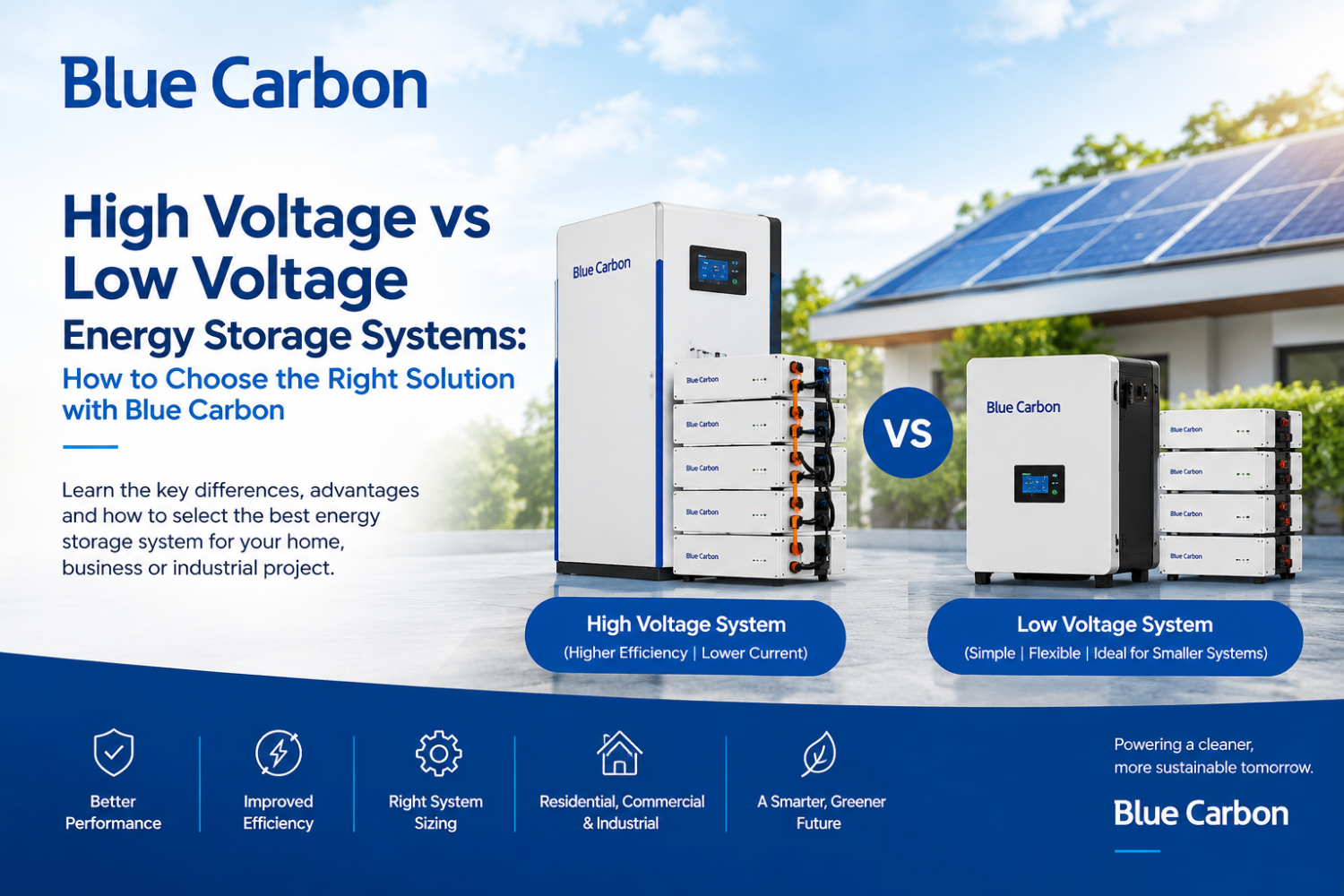
A lithium battery is one of the most important components of a solar energy storage system. When properly sized, installed and maintained, a Blue Carbon lithium battery can provide dependable backup power for homes, offices, businesses and industrial facilities.
However, one
common situation solar users encounter is a battery that becomes fully
drained or reaches a very low state of charge, particularly after prolonged
cloudy or rainy weather, excessive electricity consumption, insufficient solar
generation, or an unusually long power outage.
When this
happens, the right response is important. Repeatedly allowing a lithium battery
to reach very low charge levels without identifying the underlying cause can
affect system availability and may trigger the battery's protection system.
The good
news is that a drained battery does not automatically mean the battery is
damaged. In many situations, the system can recover through proper charging,
appropriate inverter settings, reduced loads and adequate solar generation.
This guide
explains what to do when your Blue Carbon lithium battery gets drained, how to
restore its charge efficiently, and the steps you can take to prevent repeated
battery drainage.
Understanding
Why Your Blue Carbon Lithium Battery Gets Drained
Before
trying to recharge a drained battery, it is important to understand why it
became drained in the first place.
A lithium
battery can lose its stored energy when the connected loads consume energy
faster than the solar system can replace it.
For example,
imagine a system with:
- 10kWh battery capacity
- 5kW average load
- Limited solar generation
- Several hours or days without
sufficient sunlight
The battery
may discharge significantly during the night and continue discharging if solar
production during the following day is inadequate.
Several
factors can contribute to battery drainage.
1.
Excessive Electrical Load
Running too
many appliances simultaneously can rapidly consume stored energy.
Common
high-energy appliances include:
- Air conditioners
- Electric water heaters
- Electric cookers
- Refrigerators and freezers
- Water pumps
- Washing machines
- Pressing irons
- Microwaves
- Industrial equipment
- Large televisions and
entertainment systems
The larger
the load, the faster the battery will discharge.
2.
Insufficient Solar Generation
A battery
depends on the solar system or another charging source to replenish the energy
it has supplied.
Solar
generation can be reduced by:
- Heavy cloud cover
- Rain
- Dust accumulation
- Shading
- Poor panel orientation
- Incorrect panel configuration
- Faulty solar panels
- Damaged cables
- Inverter problems
- Insufficient PV capacity
During
Nigeria's rainy season, solar users may notice that batteries take longer to
recharge because daily solar production can be lower.
3. Long
Power Outages
If the grid
is unavailable for an extended period, the battery may supply the connected
loads for many hours.
If the
outage continues and solar production is insufficient, the battery can
eventually reach its low-voltage or low-state-of-charge protection point.
What
Happens When a Lithium Battery Becomes Very Low?
Modern
lithium batteries normally have a Battery Management System (BMS) that
monitors battery conditions and provides protective functions.
Depending on
the battery model and operating conditions, the BMS can protect the battery
against conditions such as:
- Over-discharge
- Overcharge
- Excessive current
- Excessive temperature
- Cell voltage abnormalities
- Short-circuit conditions
If the
battery reaches a protection threshold, the battery may stop supplying power.
This can
sometimes appear as though the battery has completely failed.
However, do
not immediately assume that a battery that stops supplying power is permanently
damaged.
The correct
response is to check the battery, inverter and charging system systematically.
Step 1:
Reduce or Switch Off Unnecessary Loads
The first
thing to do when your battery is critically low is to reduce the electrical
demand.
Turn off
appliances that are not essential.
For example,
temporarily switch off:
- Air conditioners
- Water heaters
- Electric cookers
- Washing machines
- Water pumps
- Irons
- Other high-power appliances
Keep only
essential loads running where appropriate.
This
prevents the battery from continuing to discharge while you investigate the
problem.
Step 2:
Check the Battery State of Charge
Check the
battery display, inverter display or monitoring application if your system has
one.
Look for
information such as:
- State of charge (SOC)
- Battery voltage
- Charging current
- Discharging current
- Battery temperature
- Battery alarms
- BMS status
If the
battery indicates a very low SOC, prioritize charging rather than continuing to
operate heavy loads.
It is also
important to understand that the displayed SOC may depend on how the battery
and inverter communicate and are configured.
Step 3:
Check Whether the Battery Is in Protection Mode
If the
battery has stopped supplying power, check whether the BMS has activated a
protection condition.
Do not
open the battery casing or attempt to bypass the BMS.
Lithium
batteries contain electrical components and stored energy that can present
serious hazards if incorrectly handled.
Instead:
- Check the battery indicators.
- Check the inverter's battery
alarm.
- Check the manufacturer's
recommended recovery procedure.
- Check whether the inverter
recognizes the battery.
- Contact a qualified installer or
Blue Carbon support if the battery does not recover according to the
approved procedure.
Blue
Carbon's warranty guidance specifically emphasizes using compatible
inverter/charger equipment and following the required charging and operating
parameters.
Step 4:
Give the Battery a Proper Charging Source
Once
unnecessary loads have been reduced, the next objective is to restore the
battery's charge.
Depending on
your system design, charging may come from:
- Solar panels
- Utility/grid supply
- Generator
- A compatible AC charging source
The exact
charging method depends on your inverter and battery configuration.
If solar
conditions are good, allow the solar array to charge the battery.
If the
system is designed to charge the battery from the grid or another approved
source, that option may also be used.
However,
charging settings should remain within the battery manufacturer's specified
limits.
Step 5:
Check Your Solar Input
If your
battery repeatedly gets drained, do not simply keep charging it without
investigating the solar input.
Check the
inverter's PV information.
Look for:
- PV voltage
- PV current
- Solar charging power
- Daily solar energy production
- PV fault messages
If solar
production is unusually low despite good sunlight, there may be a problem with:
- Solar panels
- PV cables
- Connectors
- Combiner equipment
- DC protection
- Panel configuration
- Inverter MPPT operation
- Shading
- Dirt or dust
A qualified
solar technician should investigate abnormal readings.
Step 6:
Clean the Solar Panels if Necessary
Dirty solar
panels can reduce energy production.
Dust, bird
droppings and other debris can prevent sunlight from reaching the solar cells
effectively.
If the
panels are safe to access and cleaning is appropriate for the installation,
keep them reasonably clean according to the panel manufacturer's maintenance
recommendations.
Do not climb
onto a roof or work around electrical equipment without appropriate safety
precautions.
Regular
panel maintenance can help the system produce more energy and replenish the
battery more effectively.
Step 7:
Check the Inverter Settings
Incorrect
inverter settings can contribute to poor battery charging or excessive
discharge.
The
installer should verify settings relating to:
- Battery type
- Charging voltage
- Charging current
- Low-battery cutoff
- Restart voltage
- Maximum discharge
- Grid charging
- Solar charging priority
- BMS communication
- Battery capacity
- Operating mode
For lithium
batteries, the inverter should be configured according to the battery
manufacturer's specifications.
Avoid
changing technical battery settings randomly.
Incorrect
settings can cause charging problems or potentially put the battery outside its
recommended operating conditions.
Step 8:
Check BMS Communication
If your Blue
Carbon lithium battery communicates with the inverter, verify that the
communication system is functioning correctly.
Depending on
the equipment, communication may use an approved interface such as CAN or
RS485.
A
communication problem can result in the inverter receiving incorrect or
incomplete information about:
- Battery SOC
- Charge limits
- Discharge limits
- Temperature
- Protection status
The correct
communication cable, port, protocol and configuration should be used for the
specific battery and inverter combination.
Step 9:
Allow the Battery to Recharge Before Restoring Heavy Loads
One mistake
solar users sometimes make is restoring every appliance immediately after the
battery begins charging.
For example:
Battery
begins charging → air conditioner + refrigerator + TV + pumps switched on →
battery begins discharging again.
This can
prevent the battery from recovering to a healthy operating level.
Instead,
allow the battery to accumulate sufficient energy before reconnecting major
loads.
Where
possible, use high-energy appliances during periods of strong solar production
rather than relying entirely on stored battery energy.
How to
Boost Your Battery Charging
If your
battery is taking too long to recharge, there are several areas to investigate.
1.
Increase Available Solar Generation
If the
battery capacity is large but the solar array is relatively small, the system
may struggle to recharge the battery after heavy use.
A properly
designed system should consider:
Battery
capacity + daily energy consumption + solar generation + available sunlight.
Increasing
PV capacity may be appropriate where the existing solar array cannot replenish
the battery within the desired timeframe.
2. Reduce
Daytime Battery Discharge
If solar
energy is available during the day, prioritize direct solar consumption where
your system configuration allows it.
For example,
appliances such as:
- Pumps
- Washing machines
- Freezers
- Air conditioners
may be
scheduled around periods of stronger solar generation.
This can
reduce unnecessary battery cycling.
3. Reduce
Unnecessary Loads
Energy
efficiency is one of the easiest ways to extend battery backup.
Switch off
appliances when they are not required.
Replacing
inefficient lighting and appliances with energy-efficient alternatives can also
reduce daily consumption.
4. Review
the Battery-to-Inverter Sizing
A battery
may be large enough in terms of kWh but still have limitations regarding
charging or discharge current.
The inverter
and battery should be matched according to the manufacturer's specifications.
This is
especially important when multiple battery modules are installed.
5. Check
for Hidden Loads
Sometimes
the battery appears to drain unusually quickly because the user does not
realize how much electricity certain appliances consume.
Common
hidden or underestimated loads include:
- Water pumps
- Refrigerators
- Freezers
- CCTV systems
- Network equipment
- Security systems
- Electric gates
- Standby electronics
- Office equipment
An energy
audit can identify where the stored energy is going.
How to
Prevent Future Battery Drainage
The best
solution is not simply learning how to recharge a drained battery. It is
preventing unnecessary deep discharge from happening repeatedly.
Monitor
Your Battery SOC
Make it a
habit to monitor the battery's state of charge.
If the
battery is approaching the system's configured low-SOC threshold, reduce
non-essential loads.
This gives
the battery a better chance of maintaining backup for essential equipment.
Size the
System According to Actual Consumption
Before
expanding a solar system, conduct a proper load assessment.
Determine:
- Daily energy consumption
- Peak load
- Essential loads
- Non-essential loads
- Required backup duration
- Available solar resources
- Future load growth
This helps
determine the appropriate inverter and battery capacity.
Do Not
Overload the Inverter
A battery
cannot compensate for an inverter that is too small for the required load.
If your
electrical demand regularly exceeds the inverter's rated capacity, the system
may experience overload conditions.
A
professional assessment should be carried out if your load has increased
significantly since installation.
Maintain
the Solar Panels
Regularly
inspect the panels and surrounding area for:
- Dust
- Dirt
- Shading
- Physical damage
- Loose connections
- Vegetation growth
Solar panels
need adequate sunlight to produce the energy required to recharge the battery.
Inspect
the System During Rainy Periods
During
periods of prolonged rain or cloud cover, solar production may be reduced.
This does
not necessarily mean that the battery has developed a fault.
Instead,
monitor:
- Daily PV production
- Battery SOC
- Energy consumption
- Backup duration
If
necessary, reduce non-essential consumption until sufficient solar energy
becomes available.
When
Should You Contact Blue Carbon or a Qualified Technician?
You should
seek professional assistance if:
- The battery refuses to charge.
- The inverter repeatedly reports
a battery fault.
- The battery shuts down
unexpectedly.
- The battery shows abnormal
temperature.
- The battery repeatedly enters
protection mode.
- The inverter does not recognize
the battery.
- BMS communication repeatedly
fails.
- Battery voltage appears
abnormal.
- The battery drains unusually
quickly despite low loads.
- The battery cannot maintain
expected backup after a full charge.
Do not open,
modify or repair the battery yourself.
Blue
Carbon's official warranty terms state that unauthorized opening, modification
or repair can affect warranty coverage. The warranty documentation also
emphasizes correct installation, compatible inverter/charger equipment and
operation within specified limits.
For
warranty-related assistance, customers should retain their purchase
documentation, product model and serial number and provide the information
requested during the warranty assessment process.
Important
Safety Reminder
Never
attempt to "force charge" a lithium battery by bypassing its BMS or
connecting an incompatible charger.
Do not:
- Bypass battery protection
- Open the battery enclosure
- Short battery terminals
- Connect incompatible chargers
- Change internal battery wiring
- Modify BMS settings without
authorization
- Connect unsupported batteries
together
- Ignore unusual heat, swelling,
smell or physical damage
If a battery
appears physically damaged, unusually hot, swollen or otherwise abnormal, stop
using it and seek qualified professional assistance.
Final
Thoughts
A drained
Blue Carbon lithium battery does not necessarily mean the battery has failed.
In many
cases, drainage can be associated with high electrical consumption,
insufficient solar generation, prolonged power outages, incorrect system
sizing, poor charging conditions or inappropriate inverter settings.
The correct
approach is to first reduce unnecessary loads, check the battery and inverter
status, verify the charging source, inspect solar production and confirm that
the inverter and battery are correctly configured.
Most
importantly, repeated battery drainage should be treated as a system-design
or operating issue that deserves investigation, rather than simply
recharging the battery and continuing with the same usage pattern.
A properly
sized solar array, correctly matched inverter, appropriate Blue Carbon lithium
battery, effective load management and regular system maintenance can help
users achieve more reliable backup performance and make better use of their
stored solar energy.
For Blue
Carbon lithium batteries, always follow the requirements applicable to the
specific model and use qualified professionals for installation, diagnosis and
technical work.
View
Blue Carbon Nigeria's official warranty terms
Tags:Blue Carbon lithium battery, lithium battery drained, how to charge lithium battery, solar battery backup, prevent lithium battery drainage
Recent Posts
10kWh Lithium Battery Price in Nigeria: Capacity, Backup Time & Cost
15kWh Lithium Battery Price in Nigeria: What You Need to Know Before Buying
Lithium Battery Price in Nigeria 2026: Complete Buying Guide
Why Blue Carbon Products Have the Best Quality in the Nigerian Market: Making Blue Carbon the Most Preferred Choice
Blue Carbon Invites You to the 2026 Nigeria International Lighting Expo - September 16 - 18, 2026